
Buzzbox 3
Real neon
had a pulse.
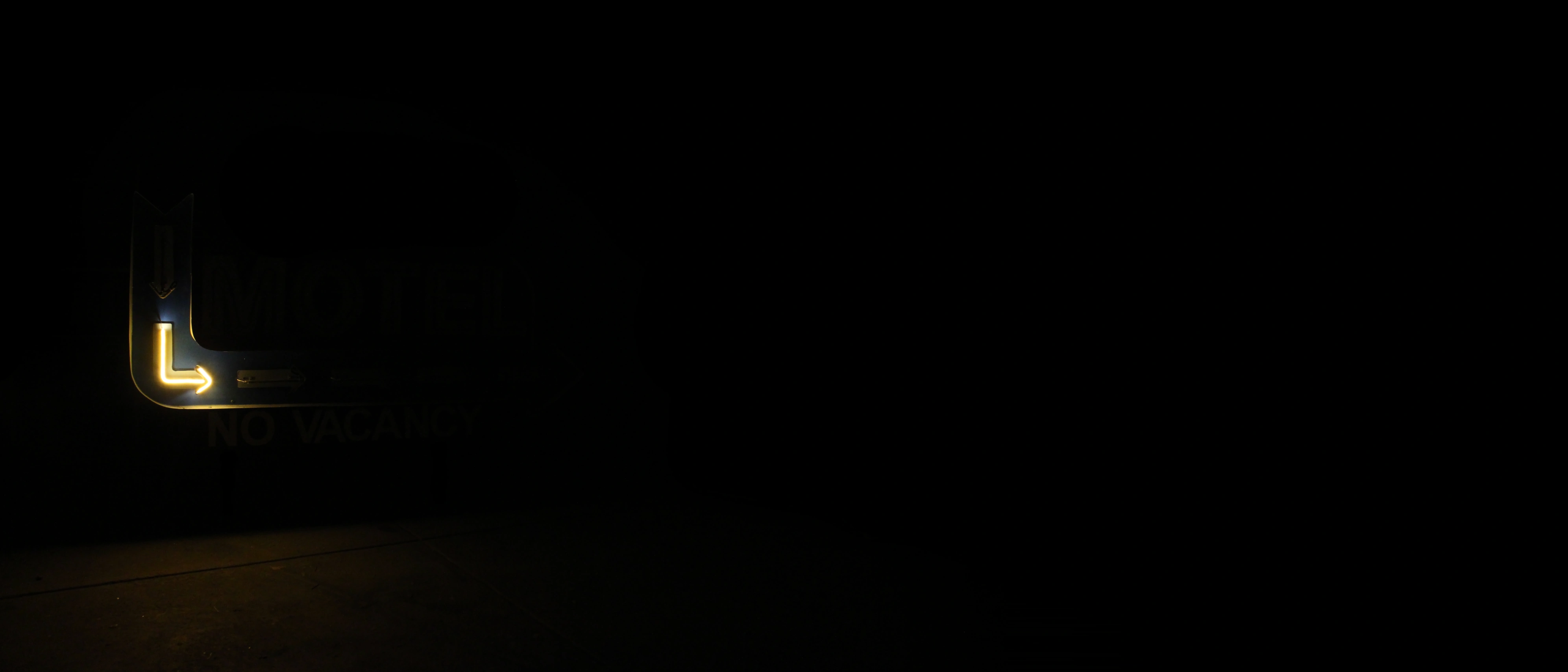
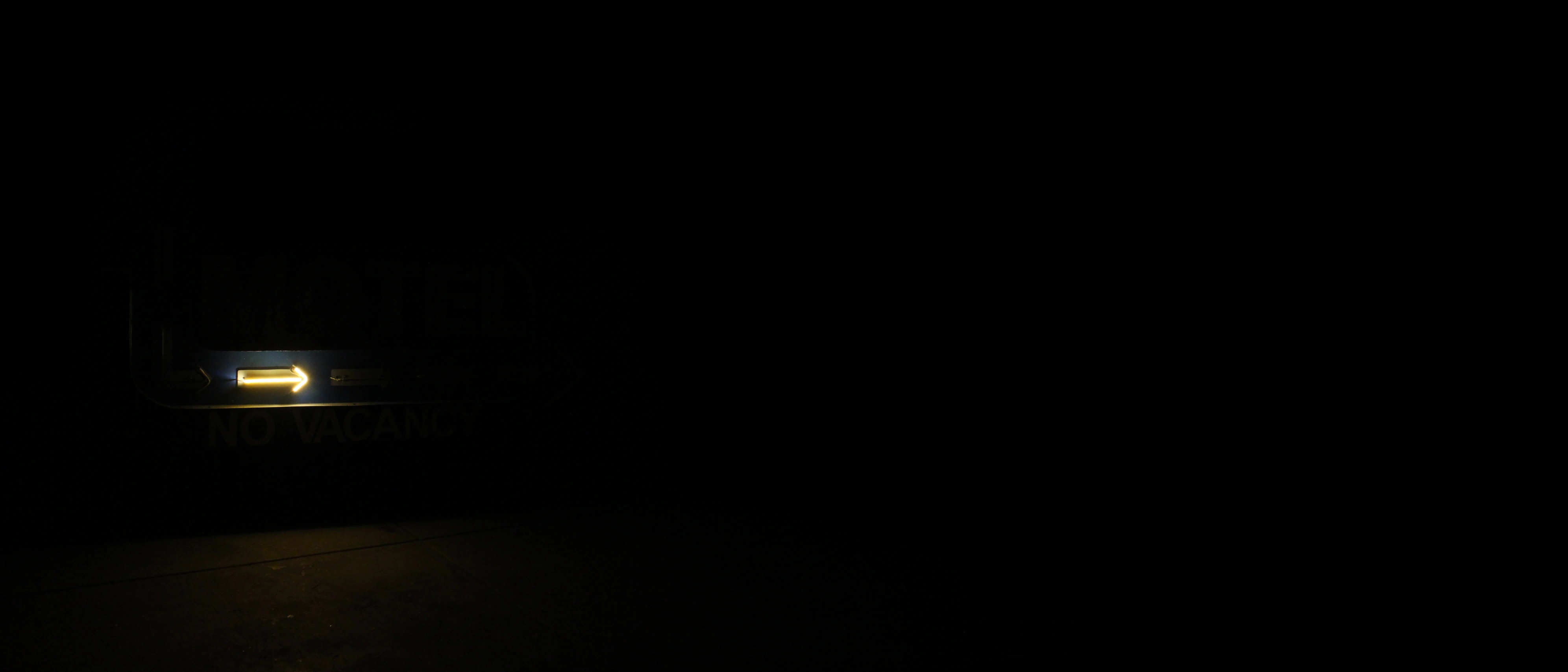
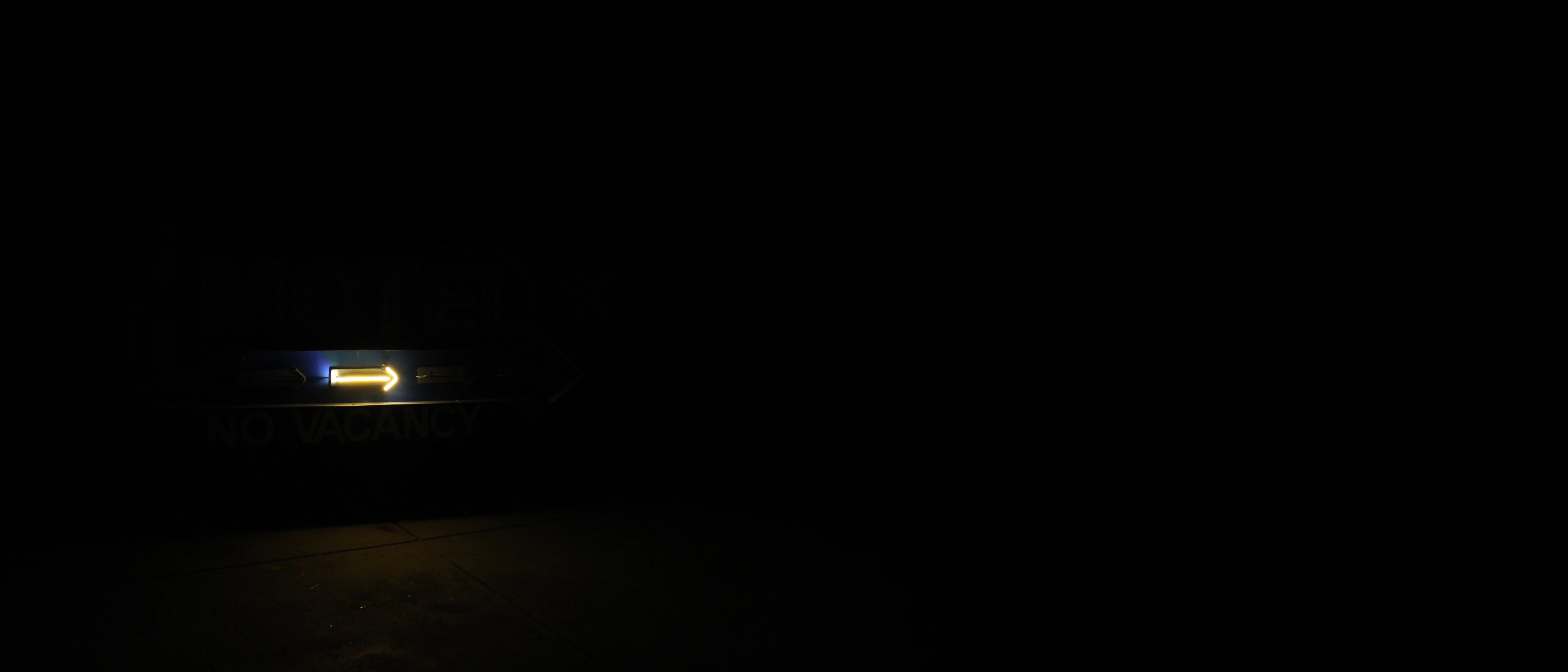
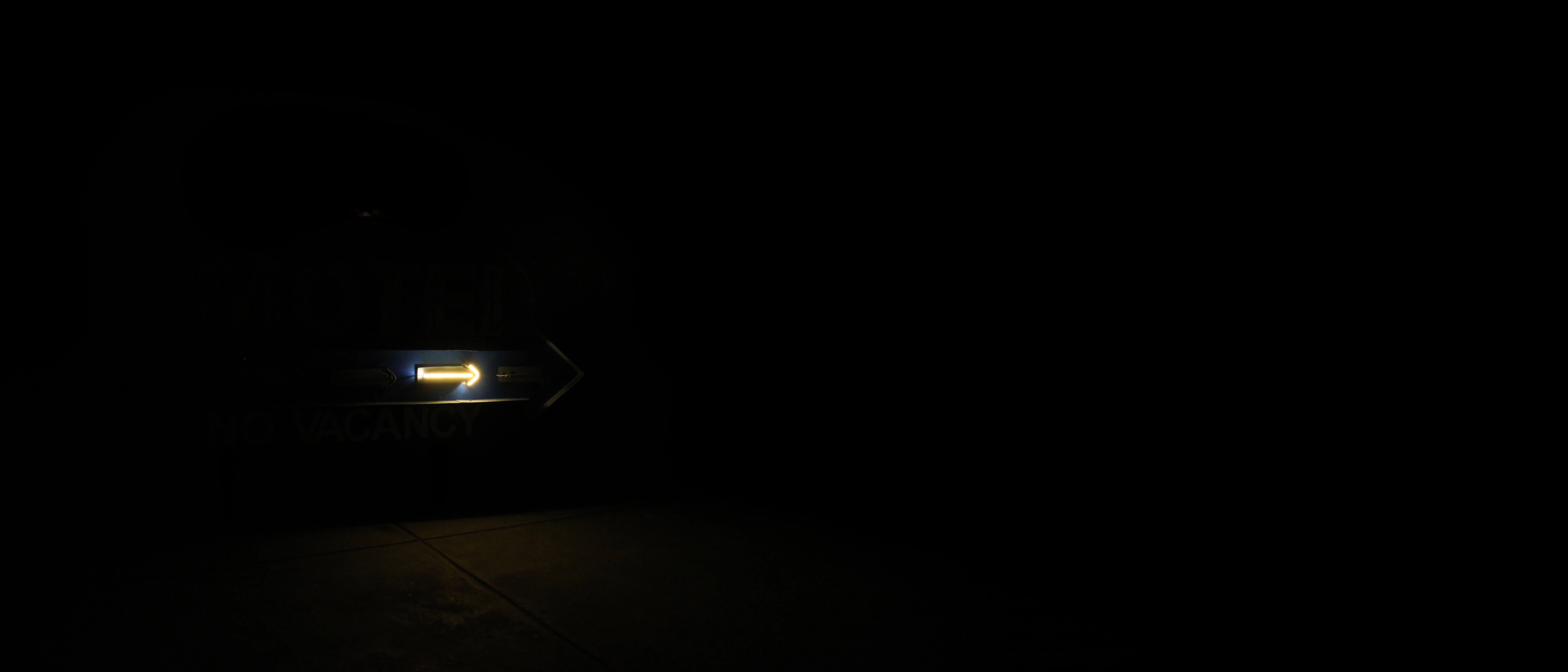
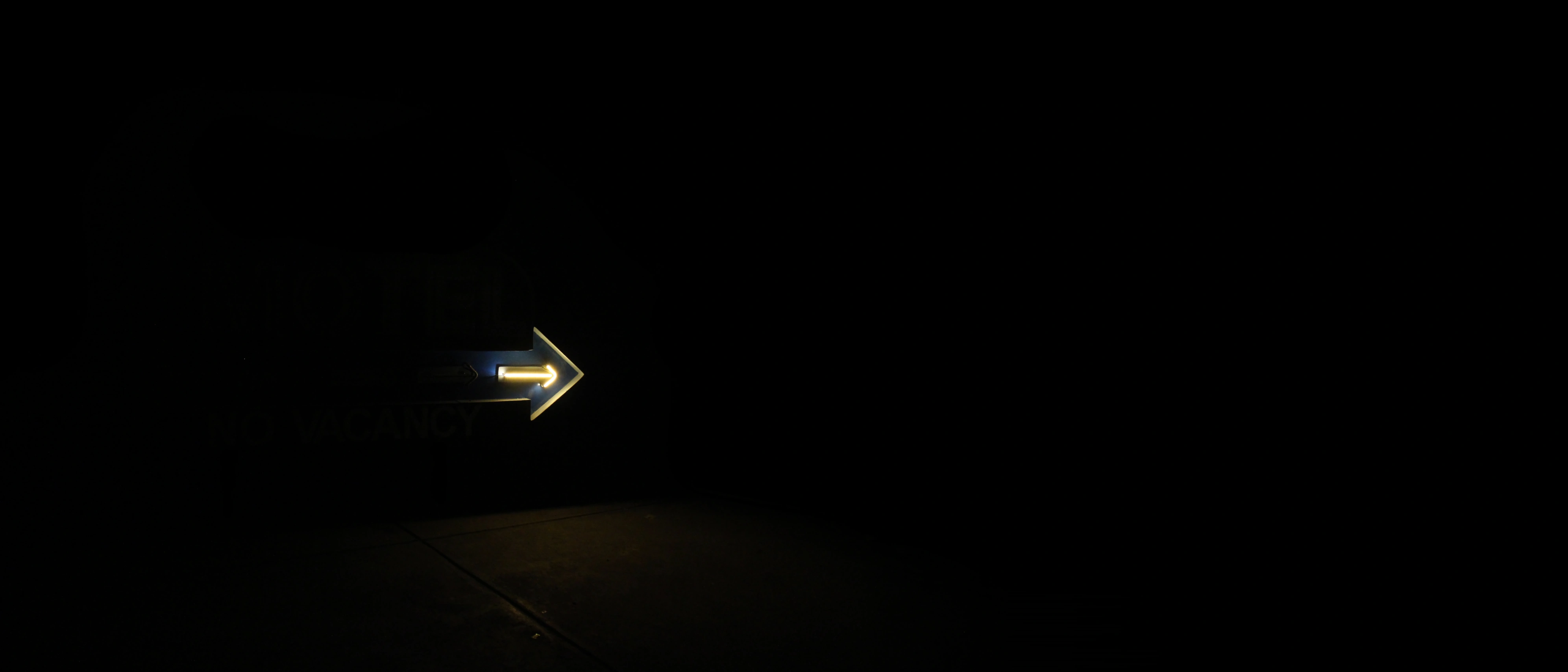
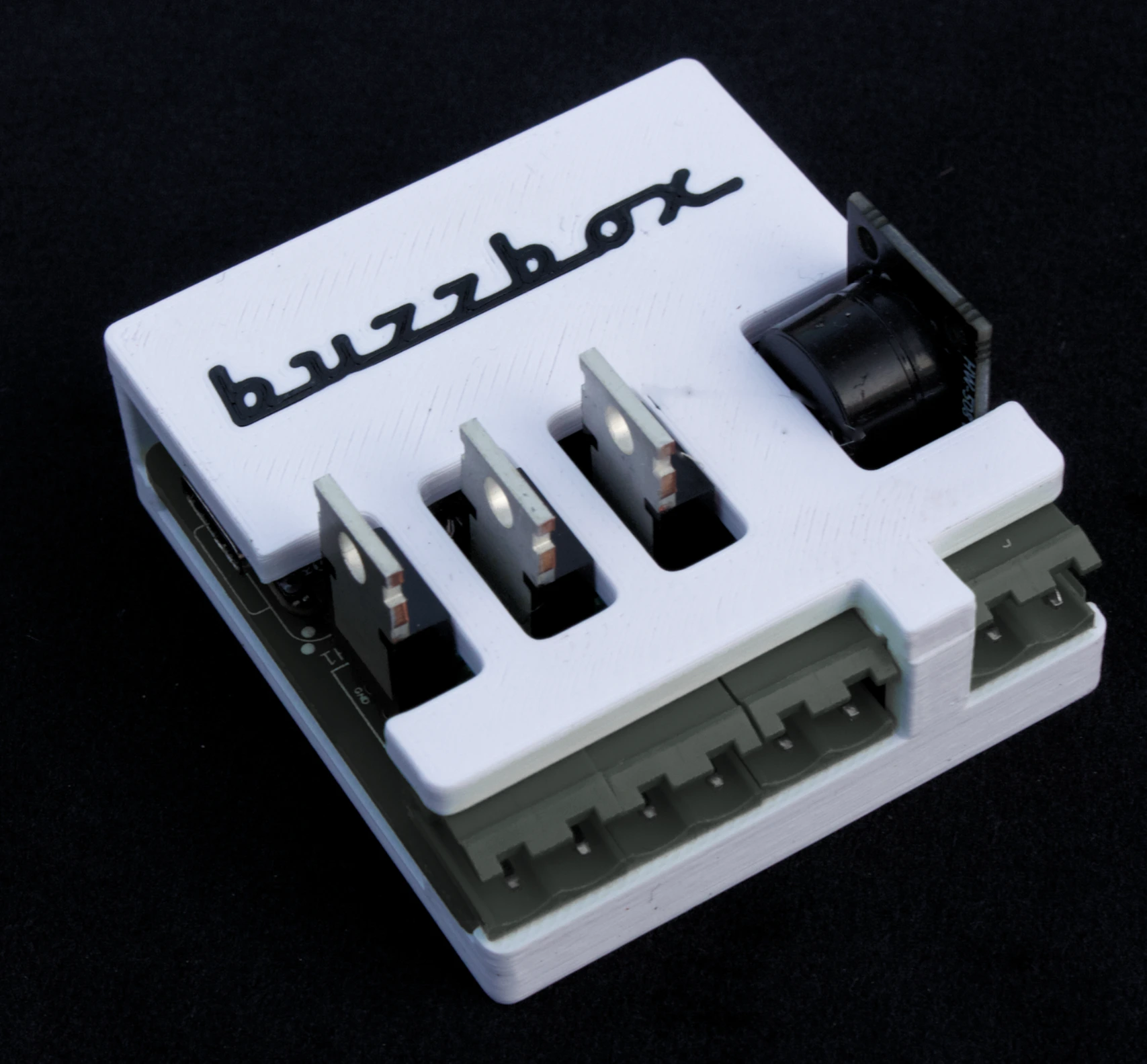
LED neon is just a little too perfect. A Buzzbox goes between the driver and the tube and gives it back the flicker, the flash and the buzz.
Try Buzzbox for yourself with the controls below.
Sign credit: Bygone Signage
IT GOES IN BETWEEN.
The Buzzbox sits between your existing LED driver and the neon run. Nothing else in the sign changes. Buzzbox 3 can control up to 3 neon runs independently.
no app. no cloud.
Set up your Buzzbox's from your phone using its built in wi-fi hotspot. Set each channel's flicker and flash, and walk away. No account to make.
every day zigbee.
Control your Buzzbox with a Hue remote. Use Home Assistant to drive mode, flicker rate and flash rate on a schedule. Either, or both.
the story
We were out to dinner one night with our good friends Bill and Natalie from Bygone Signage, and we landed on the topic of LED neon. Bill's one regret in all the beautiful vintage signs he'd made was that he couldn't make them flicker and buzz like real neon.
I've worked long enough with home automation to know that the tools were all there, so I started to tinker.
The Buzzbox 3 came into being for the simple purpose of making Bill smile. The night we hooked the first Buzzbox up to one of his beautiful signs, you couldn't wipe the smile off his face!
And I'm not done yet. The next product in development is the Buzzbox 6. It's a 6 channel controller with all features of the Buzzbox 3, plus support for all sorts of animation sequences - chase, bounce, build and more.
If you're a maker who's looking to add some buzz to your neon project, then Buzzbox might be for you.